


F9 Wireless Earphones Bluetooth TWS LED Dislpaly Binaural Headset Waterproof HD Calling CVC 8.0 Noise Reduction Headphones
F9 Wireless Earphones Bluetooth TWS LED Dislpaly Binaural Headset Waterproof HD Calling CVC 8.0 Noise Reduction Headphones
Out of stock
Couldn't load pickup availability
Get it between - and -.
Shipping & Delivery
Shipping & Delivery
We ship quickly and reliably so your order arrives on time. Once your package is on its way, you'll receive full tracking details to keep you updated every step of the way. Delivery times may vary depending on your location.
Refunds & Returns
Refunds & Returns
Not 100% happy? Return eligible items within 30 days for a full refund or exchange.
Must be unused, with tags and original packaging. Contact us to start the process.
Refunds processed within 5–10 business days of receipt. Original shipping fees are non-refundable.
Some items (personalized, intimates, final sale) are non-returnable.
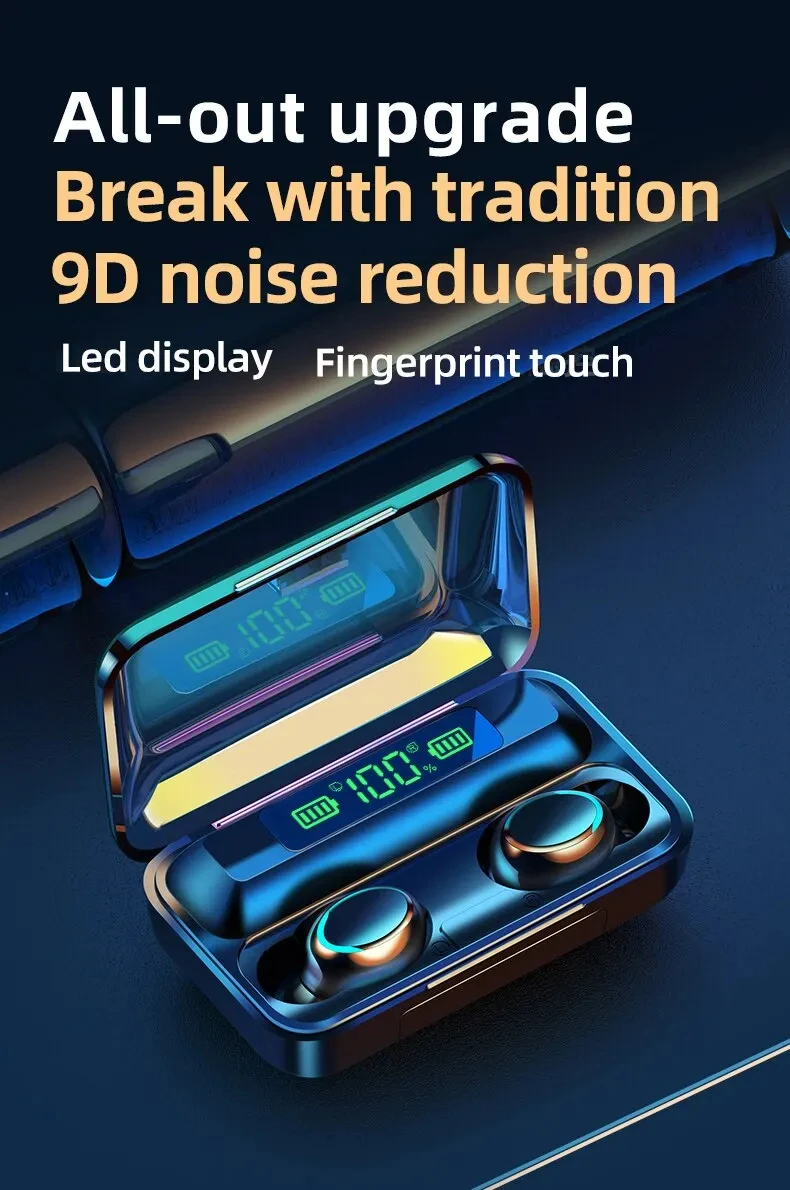
• Waterproof :These earphones are waterproof, making them perfect for outdoor activities or workouts.
• HD Calling :Enjoy crystal-clear voice calls with the high-definition sound quality of these earphones.
• CVC 8.0 Noise Reduction :The advanced CVC 8.0 noise reduction technology ensures that you can enjoy your music without any distractions from the outside world.
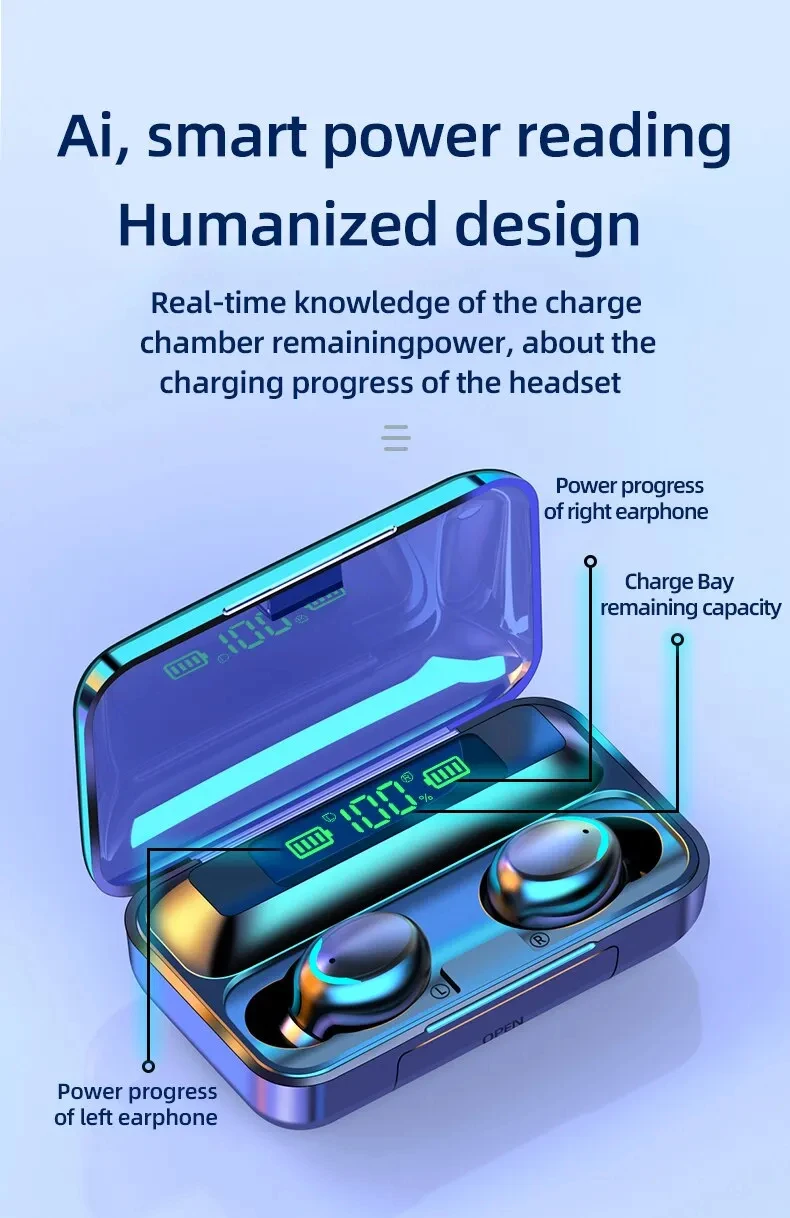
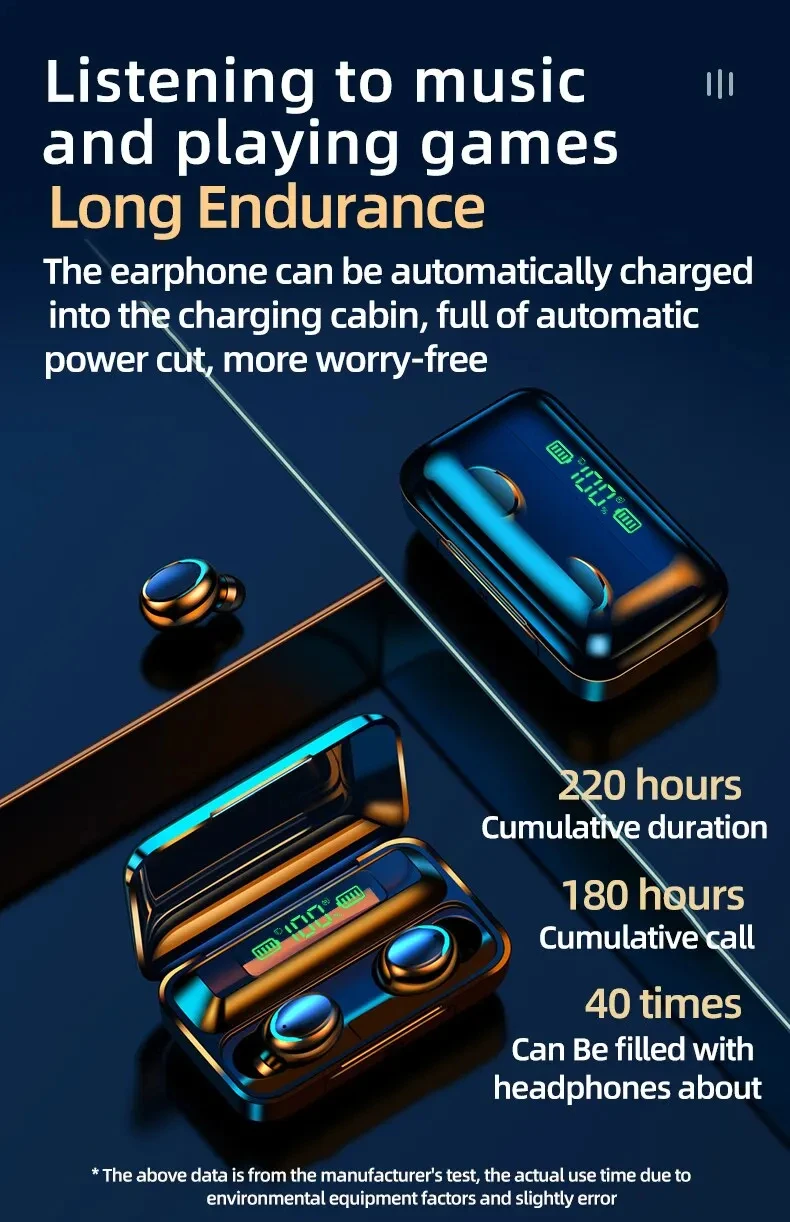
• LED Display :The LED display on these earphones makes it easy to check the battery level and other important information.
Product model: F9
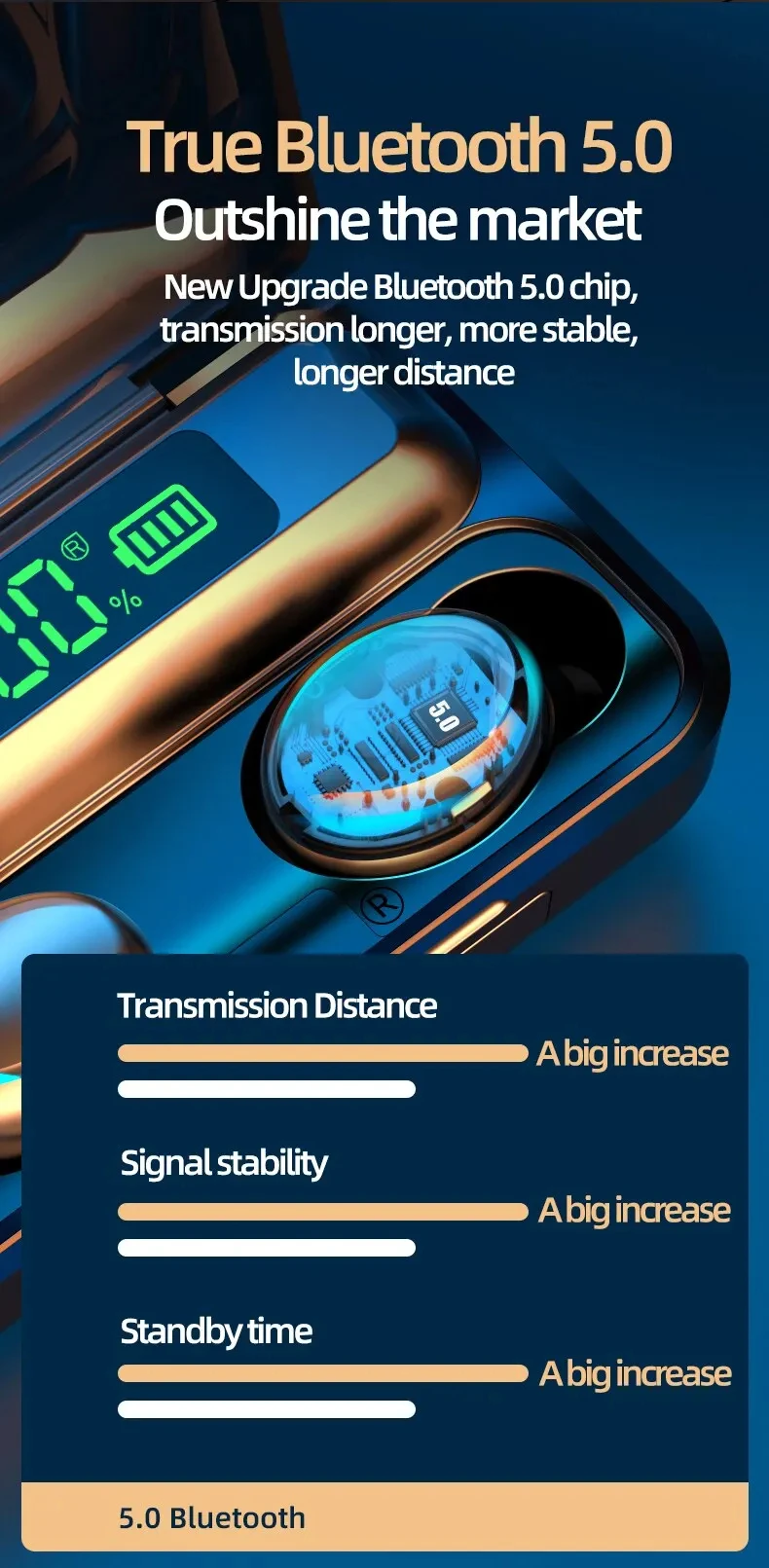
Communication distance: 10m (under accessible conditions)
Standby time: approximately 160h
Single earphone capacity: 50mAh
Bluetooth version: 5.2
Noise reduction version: CVC8.0
Music call time: approximately 3-4 hours (default startup volume)
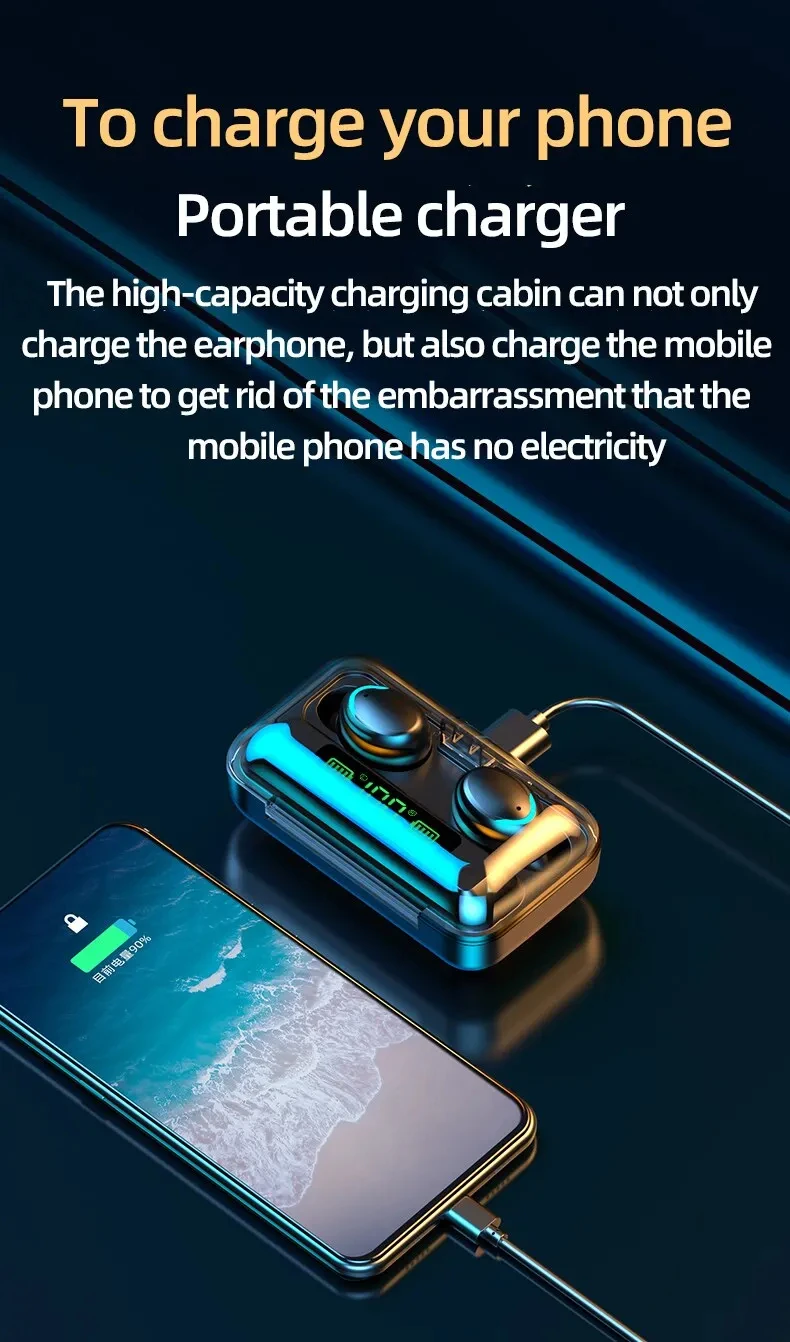
Charging compartment capacity: 1200mAh
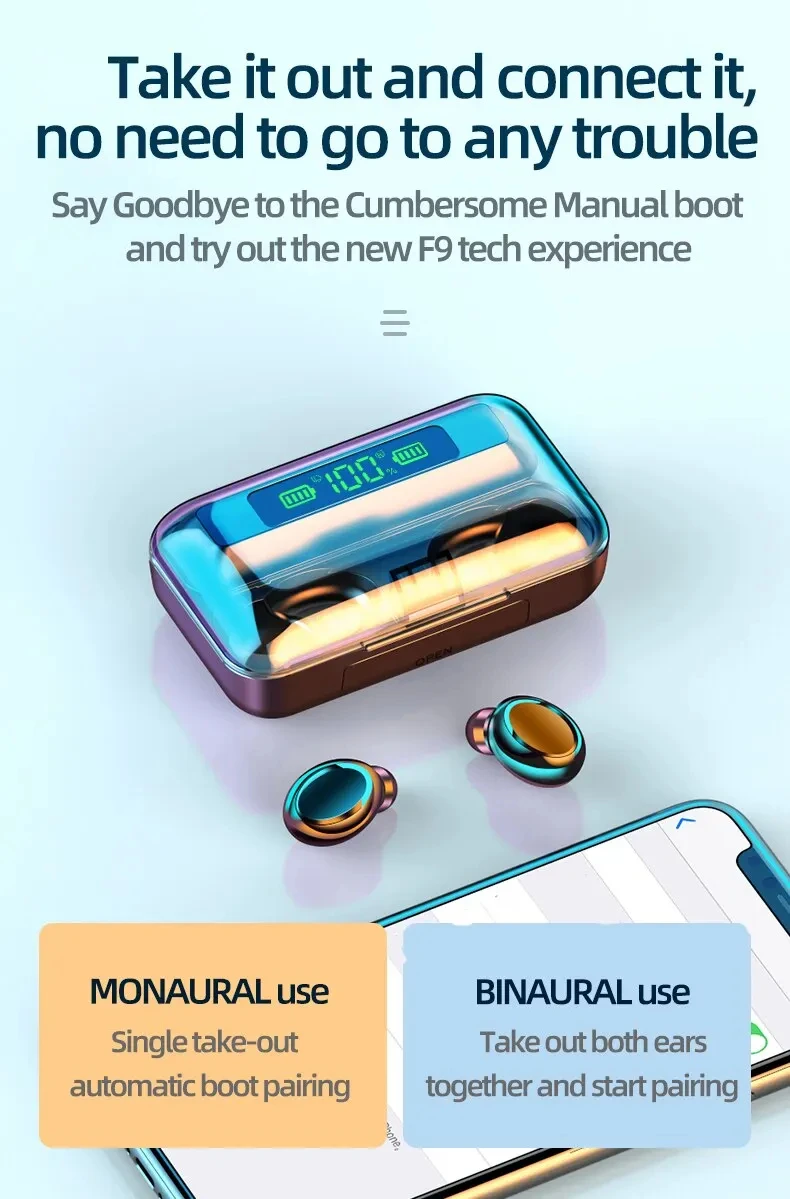
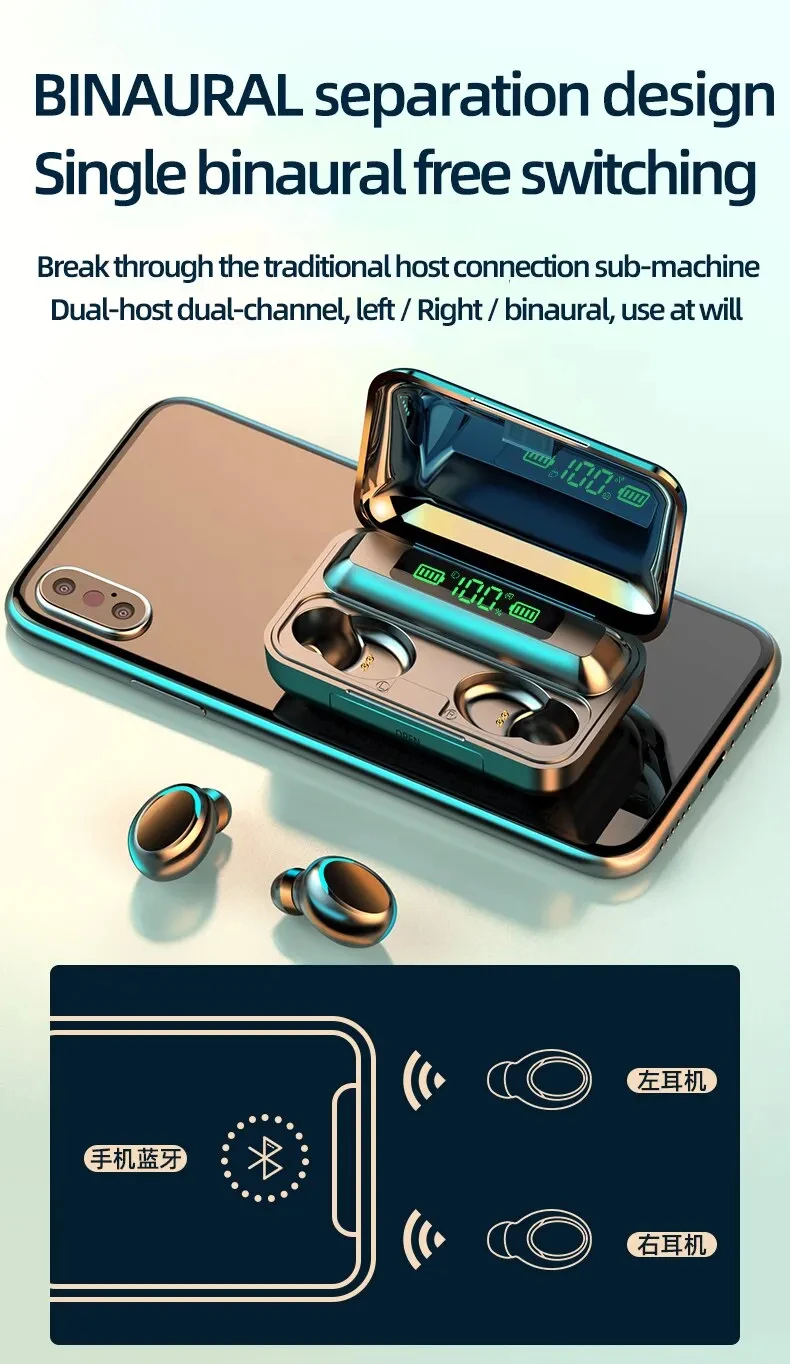
Universal functions: music playback/pause, binaural calls, intelligent noise reduction
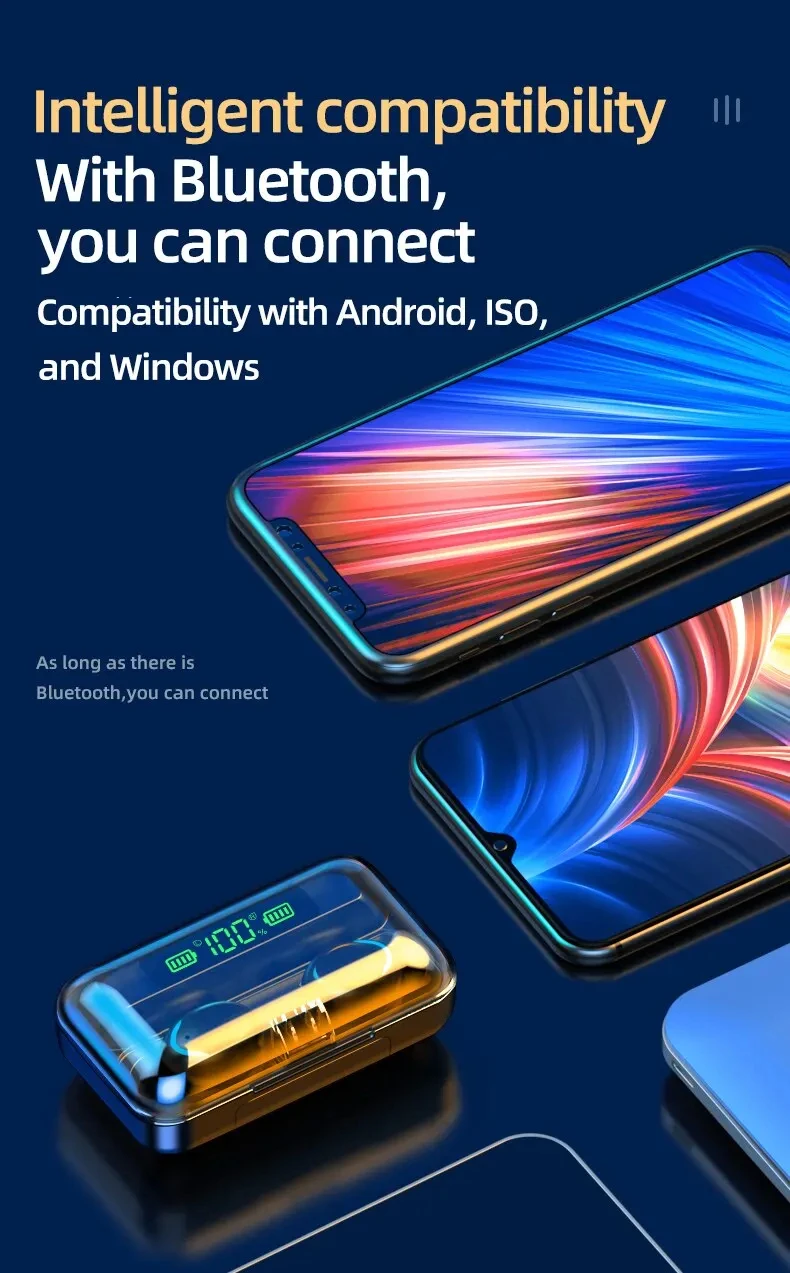
1. Turn on Bluetooth headphones and set them to pairing mode
2. Turn on Bluetooth function on the device that needs to be connected.
3. Search for available Bluetooth devices on the device.
4. Select the Bluetooth headset you want to connect.
5. Wait for the connection between the device and Bluetooth headphones to be established.
-
Ordered
- - -
Ships Within 24 Hours
- - -
Delivered


